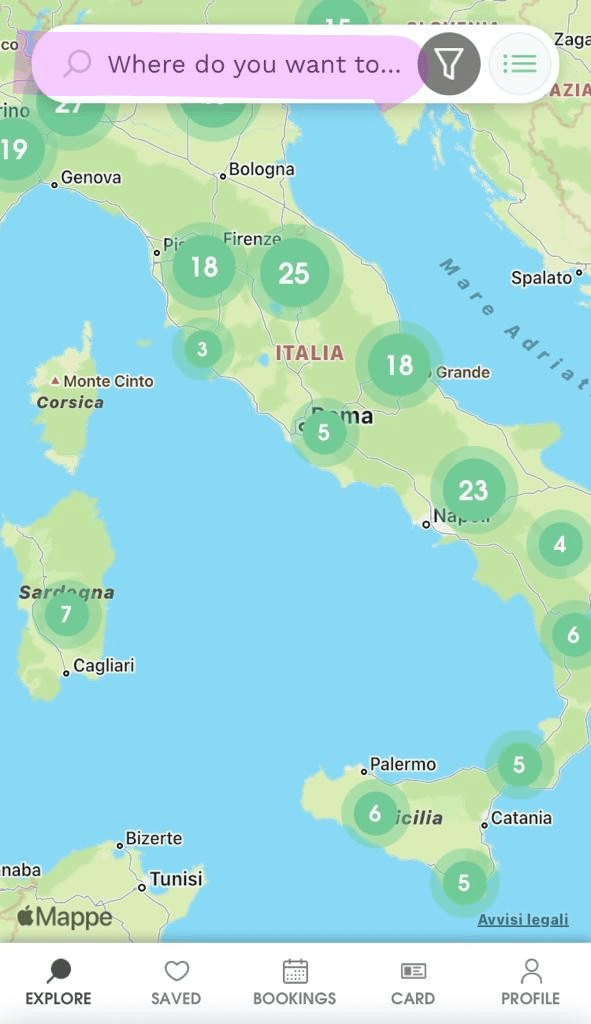
Have you seen one of our posts on Facebook or Instagram featuring a host code that interests you? Follow these steps to find that host in the Agricamper app:
- Download and open the Agricamper app, then log in to your account with an active Agricamper membership to view all hosts.
- Go to the search bar “Where do you want to go?” at the top of the main screen.
- Enter the four-digit host code in the search bar: the corresponding host will appear automatically.
- Open the host page to view all details, photos, contact information and GPS coordinates.
This way, you can easily find all the information about the host you saw on social media and save it to your favourites for a future trip!